
Master ASP.NET Core Development

Build high-performance, secure, and scalable web applications with Microsoft’s powerful framework. Learn backend development the right way — hands-on and industry-ready.

🔹 Live Projects & Assignments

🔹 REST API Development

🔹 Database Integration with EF Core

🔹 Identity & Authentication

🔹 MVC & Razor Pages

🔹 Deployment on Cloud

Master ASP.NET Core Development

Whether you’re a beginner or looking to upgrade your backend skills, our ASP.NET Core course guides you through real-world projects, REST APIs, MVC architecture, authentication, Entity Framework, and more — all with modern coding standards and best practices.

🔹 Live Projects & Assignments

🔹 REST API Development

🔹 Database Integration with EF Core

🔹 Identity & Authentication

🔹 MVC & Razor Pages

🔹 Deployment on Cloud

Course Detail

45 Days Training

  • 45 days accelerated training
  • Monday to Friday (2 hours / Day)
  • Hands-on tasks with real-time exercises
  • Trainer-led focused sessions
  • Best for revision or quick skill building
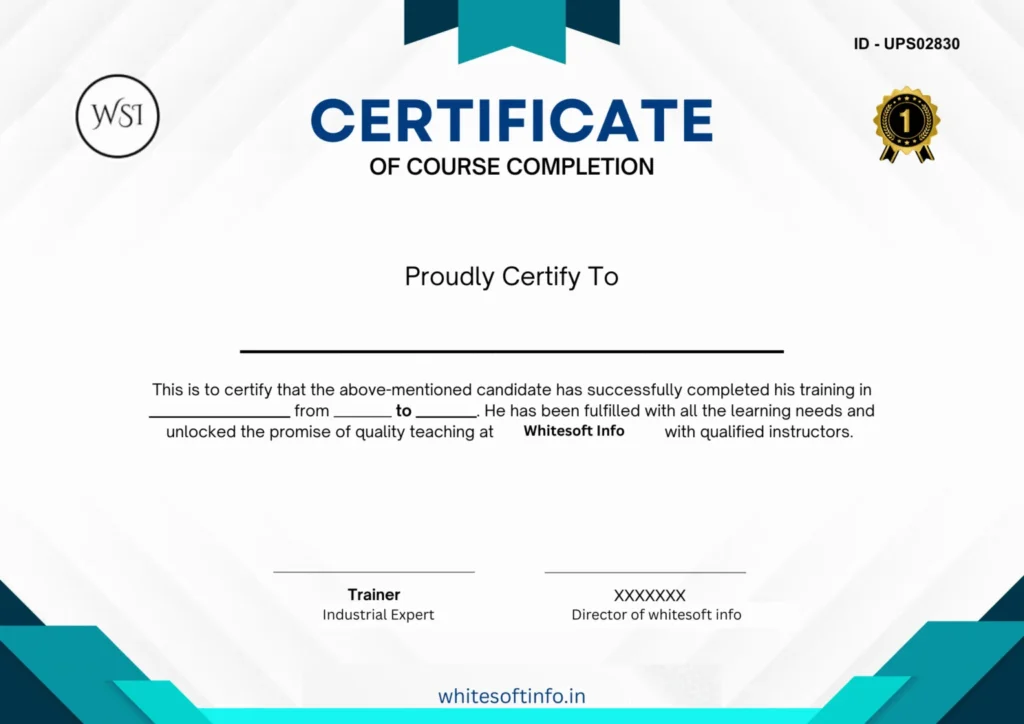
  • Certificate of Completion
  • Open to students, jobseekers, and freelancers

4 Months Training

  • 4 months practical training program
  • Daily sessions (2 hrs/day, Mon–Fri)
  • Real-world project-based tasks
  • 1-on-1 guidance with tech experts
  • Performance-based stipend support
  • Job-ready curriculum & placement support
  • Ideal for graduates, IT switchers & diploma holders

8 Months Training

  • Advanced level full-stack development training
  • Hands-on projects with weekly assignments
  • In-depth modules on frontend, backend, APIs
  • Git, deployment & DevOps essentials
  • Mock interviews, soft-skills & resume prep
  • Placement opportunities after course
  • Best for final-year students & freshers

12 Months Training

  • 1-year comprehensive training program
  • Daily in-depth sessions (2 hrs/day)
  • Live projects in multiple domains
  • Master frontend, backend, databases & deployment
  • Internship certification & real-time experience
  • Access to exclusive webinars & workshops
  • Resume building + Interview preparation
  • Perfect for freshers & gap-year students

Course Information

COURSE BENEFITS

  • Job-Focused Training
    Your learning journey doesn’t end with just completing the syllabus — it ends when you get the job. We focus on real-world problem-solving and ensure your training continues until you’re fully confident and job-ready.

  • Skill Discovery & Career Guidance
    Not sure which technology suits you best? We assess your strengths and guide you toward the technology that aligns with your skills and interest — making your career decision easier and more effective.

  • Industry-Relevant Experience
    Our entire curriculum is built around practical, project-based learning. Every topic is taught in an industrial context so you gain hands-on experience. On successful completion, you’ll receive an experience certificate that adds weight to your resume.

  • Higher Salary Potential for Freshers
    Our training methodology is designed to make you stand out from the crowd. We prepare you to crack high-paying fresher roles. If you get a better offer than ours — you’re free to go for it. We don’t lock you in — we support your growth.

  • Unlimited Learning – No Rigid Syllabus
    We don’t limit your learning with a fixed syllabus. You’re encouraged to learn beyond the topics and expand your knowledge. Our mentors support deep, logical, and conceptual learning — not just bookish theory.

  • Real Projects & Deployment Experience
    You’ll work on live projects, including deployment on platforms like GitHub, AWS, or live servers. This builds confidence and makes your resume more competitive in job applications.

Course Curriculam

  • Installing Visual Studio (Community Edition)

  • Installing MS SQL Server & SQL Server Management Studio (SSMS)

  • Understanding the .NET Ecosystem

  • Creating Your First ASP.NET Project

  • Exploring Project Structure & Files

  • Introduction to Solution Explorer & Build Process

  • Variables, Data Types & Operators

  • Conditional Statements (if, switch)

  • Loops (for, while, foreach)

  • Functions & Method Overloading

  • Arrays, Lists, and Collections

  • Exception Handling

  • Understanding CLR (Common Language Runtime)

  • What is BCL (Base Class Library)

  • Assemblies, GAC & IL Code

  • Managed vs. Unmanaged Code

  • Memory Management & Garbage Collection

  • What is ASP.NET? Difference from Classic ASP

  • Server Controls vs HTML Controls

  • ViewState, PostBack & Page Lifecycle

  • Understanding Web.config File

  • Master Pages & Themes

  • Creating Form Controls: TextBox, DropDown, Radio, etc.

  • Form Validation (RequiredField, RegularExpression)

  • Session & Cookies

  • Server.Transfer vs Response.Redirect

  • Introduction to Code-Behind

  • MVC Architecture & Folder Structure

  • Routing & URL Patterns

  • Models, Views, and Controllers Explained

  • Data Passing Between MVC Layers

  • Razor Syntax & ViewBag/ViewData

  • Partial Views & Layouts

  • Connecting to SQL Server using ADO.NET

  • ExecuteReader, ExecuteScalar, ExecuteNonQuery

  • Using DataSet & DataTable

  • Creating Reusable Data Access Code

  • Stored Procedures with Parameters

  • Database Design Basics (Tables, Keys, Indexes)

  • Writing SQL Queries (SELECT, JOIN, GROUP BY)

  • Stored Procedures & Functions

  • Triggers & Views

  • Backup, Restore & Security Concepts

  • Forms Authentication vs Windows Authentication

  • Creating Login & Signup Pages

  • Role-Based Access Control

  • Managing Session & Security

  • Identity Framework (Optional)

  • E-commerce Admin Panel (CRUD)

  • Blog or News Portal

  • Admin/User Login Management

  • Real-Time Data Operations with SQL

  • Validation, Error Handling & UX Best Practices

  • Final Deployment on IIS or Local Server

Certification & Recognition

Application Models

Web Apps

Build full stack web apps with HTML, CSS, and C#

Mobile

Use a single codebase to build native mobile apps for iOS, Android and more.

Desktop

create a native apps for windows and macOS or build apps that run anywhere with web technoligies

Web Apps

Build full stack web apps with HTML, CSS, and C#

Mobile

Use a single codebase to build native mobile apps for iOS, Android and more.

Desktop

create a native apps for windows and macOS or build apps that run anywhere with web technoligies

Internet of Things

Make IoT apps, with native support for the Raspberry Pi and other single-board computers

Microservices

Create independently deployable microservices that run on Docker containers.

Artificial Intelligence and ML

Build smart apps with C#, Open AI and AZure

Internet of Things

Make IoT apps, with native support for the Raspberry Pi and other single-board computers

Microservices

Create independently deployable microservices that run on Docker containers.

Artificial Intelligence and ML

Build smart apps with C#, Open AI and AZure

Companies Hiring Asp.Net Developer

Companies Hiring Asp.Net Developer

Microsoft
Accenture
JP Morgan
Infosys
Deloitte
TCS
Capgemini
GoDaddy
IBM
HCL
Cognizant
Microsoft
Stack Overflow

Frequently Asked Questions

Frequently Asked Questions

What is ASP.NET Core?

ASP.NET Core is a modern, open-source, cross-platform web framework developed by Microsoft for building cloud-based, internet-connected applications such as web apps, APIs, and microservices.

  • ASP.NET Core is cross-platform (Windows, Linux, macOS), modular, lightweight, and faster than traditional ASP.NET.

  • It supports modern development practices like dependency injection, middleware pipelines, and Razor Pages.

  • ASP.NET (Framework) is Windows-only and more monolithic.

Primarily C#, though you can also use F# and VB.NET (limited support in Core).

  • Web applications (MVC/Razor Pages)

  • RESTful APIs

  • Blazor (WebAssembly or Server-side)

  • SignalR real-time apps

  • Microservices with gRPC

  • .NET SDK (latest LTS or current version)

  • Visual Studio / Visual Studio Code

  • A package manager like NuGet

  • Optional: Docker, Azure CLI, Git

  • Clean Architecture or Hexagonal Architecture

  • Use Dependency Injection for service management

  • Repository pattern for data access

  • Middleware pipeline for request handling

Middleware is software assembled into an app pipeline to handle requests and responses. Examples: authentication, logging, error handling.

Razor Pages simplify page-focused web apps. Ideal for apps with straightforward UI and routing—great alternative to MVC for CRUD operations.

Yes. ASP.NET Core is ideal for building fast, scalable, RESTful APIs, and supports:

  • JSON serialization

  • OpenAPI/Swagger

  • Authentication/Authorization

  • Versioning and rate-limiting

.

Course Information

Scroll to Top